

10 techniques to improve your augmented reality and virtual reality experiences
10 November 2026

Guide · Updated 10 November 2026
Augmented reality (AR) places digital objects in the real world through a phone, tablet or headset. Virtual reality (VR) replaces the world around you with a digital one. Both can be memorable, but only if they are comfortable and easy to use. Here are ten techniques that make the difference.
1. Put comfort first
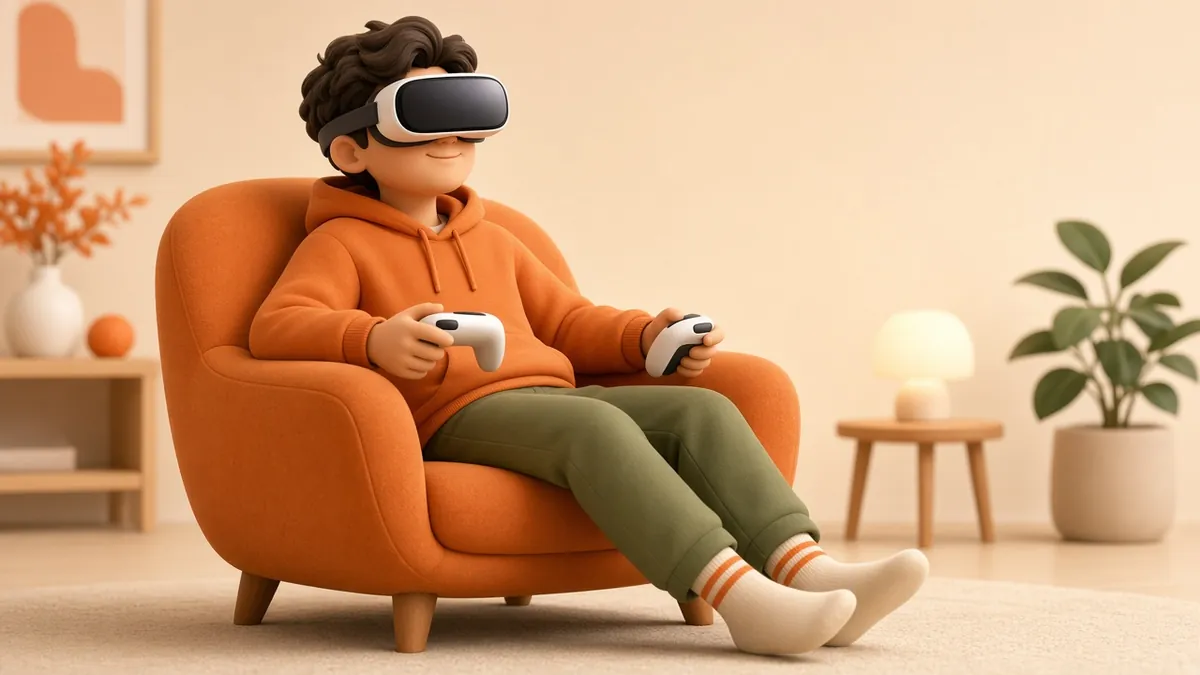
In VR, mismatches between what the eyes see and what the body feels can cause discomfort. Let users move by teleporting or by controlled, steady motion rather than sudden acceleration, and avoid moving the camera without the user's input. Offer comfort options such as snap turning.
2. Respect the frame-rate budget
Smooth, stable frame rates matter more in XR than on a flat screen. Decide the target for your devices early and design within it. Use level-of-detail (LOD) models, which swap in simpler meshes for distant objects, and keep texture sizes sensible.
3. Build assets for real-time
Models made for film rendering are usually far too heavy for a phone. Retopologise to a clean, lower polygon count, bake fine detail into normal maps and use efficient formats. glTF, maintained by the Khronos Group, is widely used for delivering 3D to browsers and apps.
4. Get real-world scale right
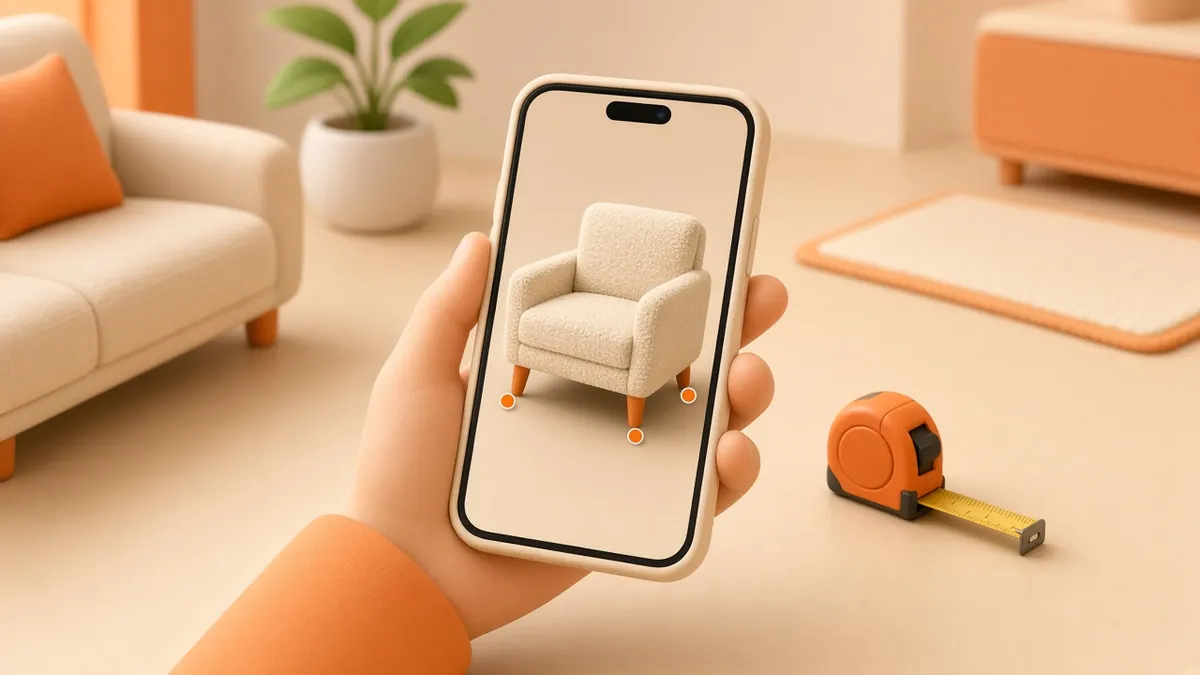
In AR, a sofa that is ten percent too small destroys trust. Model in real units and test by placing objects next to things you can measure. In VR, check eye height, door widths and table heights against real numbers.
5. Match the lighting
AR objects look "stuck on" when their lighting does not match the room. Platform frameworks such as Apple's ARKit and Google's ARCore offer environment and light estimation features. Use them, and add soft contact shadows under objects so they sit on the floor.
6. Keep interaction simple
Most users have never used your experience before. Use familiar gestures, show a short hint the first time, and keep the number of actions small. One clear goal per scene, such as "place the product" or "open the engine", works better than a menu of options.
7. Design for location carefully
Location-based AR can anchor content to real places. Google's ARCore Geospatial API, for example, uses imagery from Google's Visual Positioning System to place content at real-world coordinates in supported areas. Check coverage in your target locations, and never ask people to look at their phones while crossing roads or driving.
8. Use spatial sound
Sound that comes from the direction of an object helps users find it and makes scenes feel solid. Even simple positional audio improves orientation in VR.
9. Make it accessible
Provide seated modes, adjustable text size, captions for spoken content and options that do not rely only on colour. Avoid flashing effects, which can trigger seizures, and allow users to pause or exit at any time.
10. Test on real devices with real people
Emulators hide problems with heat, battery, tracking and lighting. Test on the oldest device you plan to support, in different rooms and lighting conditions, with people who have not seen the project before. Watch where they get stuck, then simplify.
Bonus: consider the browser first
For marketing and product previews, a web-based AR or 3D view can be opened from a link or QR code without installing an app. The W3C WebXR Device API is the standard behind many browser-based immersive experiences, and components like Google's model-viewer make simple AR product views easier to build.
Next step
Want a 3D product model or an interactive scene that runs smoothly on phones and headsets? Read our guide on using AR in your marketing strategy or contact us to talk about your idea.