

The benefits of 3D product rendering and visualisation
10 November 2026

Guide · Updated 10 November 2026
3D product rendering means creating photo-quality images and animations of a product from a digital 3D model instead of, or as well as, a camera. It is now common for furniture, electronics, cosmetics packaging, jewellery, machinery and many other products.
The main benefits
1. Images before the product exists
You can launch pre-orders, pitch to retailers, run crowdfunding campaigns and test ads while the product is still in development, using renders built from CAD data or design drawings.
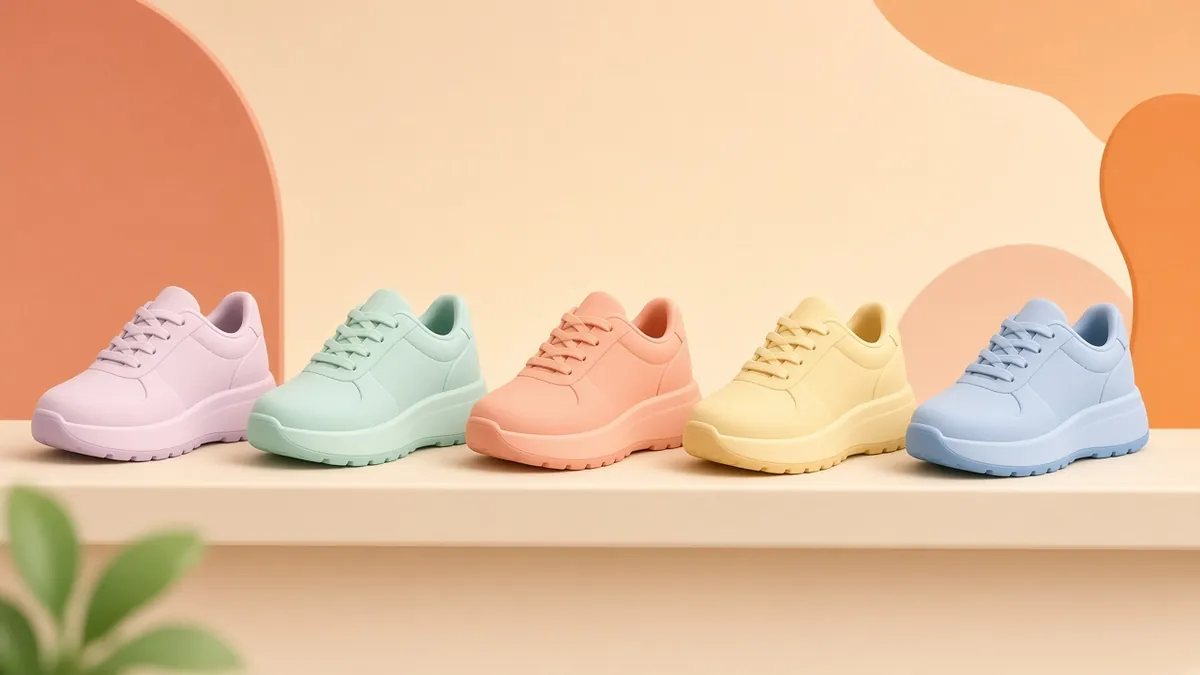
2. Unlimited variants without reshoots
Once a model exists, a new colour, finish, fabric or packaging design is a material change and a re-render, not a new photo shoot. This is especially valuable for products with many options.
3. Perfect consistency
Every product in a catalogue can share the same lighting, camera angle, shadow and background. That consistency makes online stores and printed catalogues look more professional.
4. Shots that cameras cannot take
Exploded views, cut-aways, transparent housings, macro close-ups of tiny details and impossible camera moves are all straightforward in 3D. They are ideal for explaining what makes a product better.
5. Easy updates
If the design changes, update the model and re-render, instead of booking a new shoot.
6. One asset, many uses
The same model can produce hero images, lifestyle scenes, 360° spins, animations, interactive web viewers and AR "view in your room" experiences. Formats such as glTF/GLB are widely used for web 3D, and components like Google's model-viewer can display them on product pages.
Is it always cheaper than photography?
Not always. For a single simple product photographed once, a photo shoot may cost less. 3D tends to pay off when you have many variants, frequent updates, products that do not exist yet, or a need for animation and interactive content. Think about the total number of images and videos you will need over a year.
Making renders look real
Photorealistic results depend on:
- Accurate geometry from CAD files or careful measurements.
- Physically based materials, which describe how a surface reflects light, so metal, plastic, glass and fabric look correct.
- Good lighting, often a classic studio setup or a realistic environment.
- Small imperfections, such as slight wear, dust or soft edges, because perfectly clean surfaces look artificial.
Be honest in your listings
Renders should represent the product accurately. Do not show features, colours or accessories that the customer will not receive. Where it helps, label lifestyle images as illustrations, and follow the rules of the marketplace or advertising platform you use. When you publish product pages, Google's product structured data guidance explains how to describe your products and images to search.
What to prepare for a 3D rendering project
- CAD files, technical drawings or a physical sample.
- Material and colour references (Pantone or RAL codes, fabric swatches, finish samples).
- Brand guidelines and examples of images you like.
- A shot list: angles, backgrounds, crops and sizes for each channel.
- Any animation or interactive needs, so the model is built for them from the start.
Typical deliverables
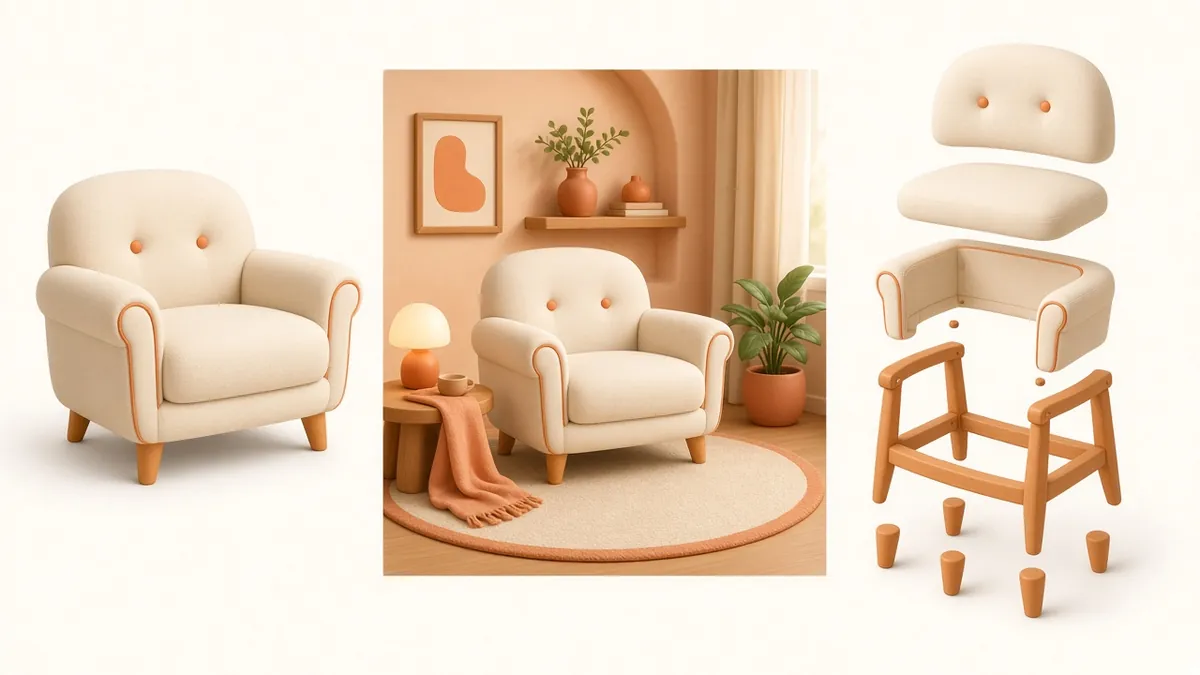
- White-background e-commerce images.
- Lifestyle scenes in a styled room or setting.
- 360° spins and short product animations.
- Exploded and cut-away technical visuals.
- Web-ready 3D models for viewers and AR.
Quick answers
Can customers tell it is a render? With accurate geometry, good materials and careful lighting, high-quality renders are often hard to tell apart from photographs, which is why honest representation matters.
What file should I send? CAD files such as STEP are ideal for engineered products. For soft goods like furniture or fabric, photos from all sides, measurements and material samples work well.
Next steps
Read how to turn 3D animation and rendering into business results, or contact us with your product and the images you need.