

Blender 5.2 LTS and 5.3: what's new for animation teams in 2026
10 November 2026
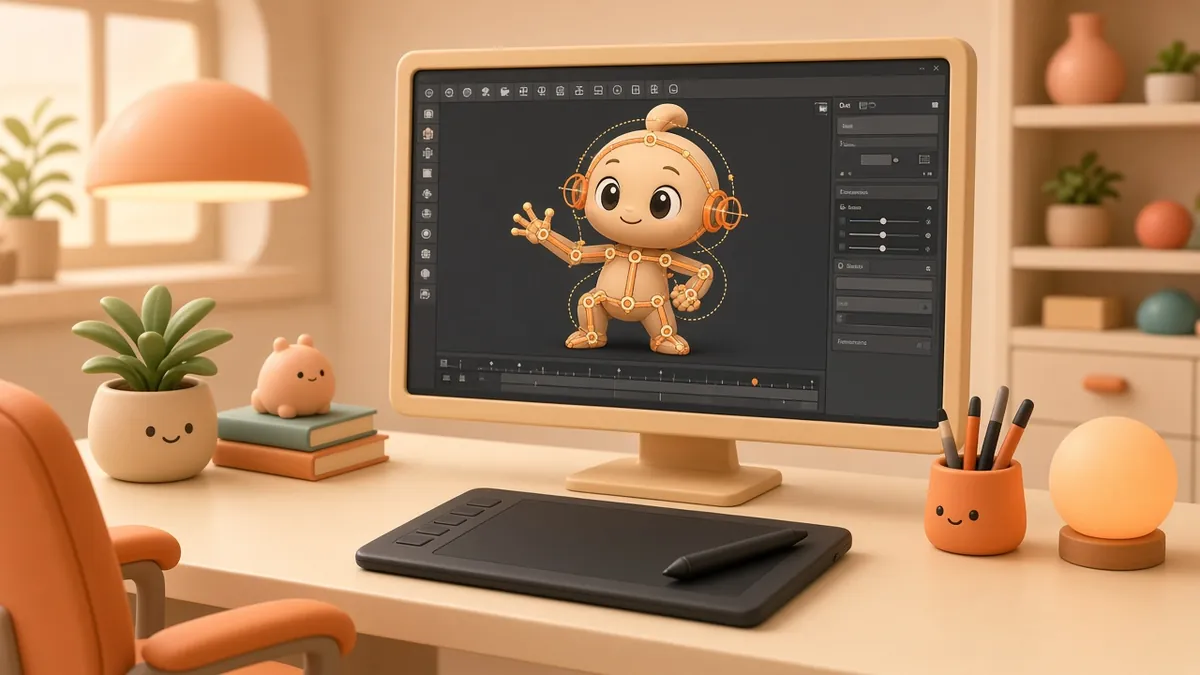
Current software news (5.2 LTS released 14 Jul 2026; 5.3 listed as expected 10 Nov 2026, not confirmed released at time of writing)
One release out, one on the way
Blender, the free and open-source 3D suite, has one completed release and one upcoming release worth knowing about:
- Blender 5.2 LTS was released on 14 July 2026. "LTS" means long-term support: Blender says it will get fixes for up to two years, until July 2028.
- Blender 5.3 was listed on blender.org as "Expected November 10, 2026" when this article was written. It was not confirmed as released at that time, so check blender.org for its final status.
For long client projects, an LTS release is generally the safer base. Newer releases are where fresh features land first.

Blender 5.2 LTS highlights for animation
Node-based cloth and hair physics. 5.2 introduces a new procedural approach to cloth and hair simulation built on Geometry Nodes, with a built-in XPBD solver node, pinning and tearing controls, and effectors for gravity, colliders and custom forces. This is useful for clothing on characters, flags, foliage and stylised hair, and gives technical artists more control than older simulation set-ups.
Audio-reactive animation. A new Sample Sound Frequencies node and Sound socket let Geometry Nodes respond to imported audio. Music-driven motion graphics, beat-synced logo reveals and visualisers can now be built procedurally inside Blender.
Texture Cache for heavy scenes. For scenes with many image textures, a new Texture Cache generates optimised texture files that load only the tiles and resolutions needed. Blender notes the savings depend on the scene and come with a small render-time cost and extra disk use, so test it on your own projects.
Thin Wall materials. The Principled BSDF gains a Thin Wall mode for paper, leaves and thin glass, which helps product and packaging renders.
Animation quality-of-life. The release adds playback loop modes (including bounce), a preroll option, batch deletion of F-Curve modifiers, In-Between tools in Object mode and a range of rigging tweaks.
Video Sequencer upgrades. Compositor effects can run directly on the timeline, text strips get style presets, and scopes support HDR. Small teams can finish more edits without leaving Blender.
Blender 5.3: planned animation and rigging changes
Blender's developer release notes for 5.3 list several animator-focused additions. Treat these as planned until the release is out:
- Copy and paste world-space animation between objects and bones, for example moving a prop's motion onto a character's hand bone.
- Convert animation between rotation modes with a new operator, replacing an older Rigify-only tool.
- Friendlier playback: scrubbing pauses playback and resumes on release, and an option wraps the playhead to the playback range.
- Paste Pose with influence, so a copied pose can be blended in rather than applied at full strength.
- Faster Motion Paths when auto-keying, and Fix to Camera now covers lens settings such as focal length.

Should you upgrade?
A practical approach for production work could be:
- Keep running client projects on the version they started in, or move them to 5.2 LTS if you need a stable long-term base.
- Once 5.3 is released, test it on a copy of a real scene, not on a live project. Check add-ons, rigs and render times.
- Write down the version in each project folder, so revisions months later open in the same Blender build.
What this means for clients
You do not need to know which Blender version a studio uses. It is reasonable to ask whoever makes your animation which version a project uses, so revisions months later open reliably.
Planning a 3D product animation, character piece or explainer? See the portfolio or contact Supreme Animation.