

7 steps to bring your brand story to life with 3D animation
10 November 2026
Guide · Updated 10 November 2026
Many of the most loved animated films are remembered for their characters and feelings, not their technology. A brand animation can work the same way: a simple story, told with charm, that people want to watch and share. These seven steps keep the story at the centre.
Step 1: Write the message in one sentence
What should the viewer think, feel or do after watching? "Our app makes paying rent stress-free" is a message. "Our app has 14 features" is a list. If you cannot fit the message in one sentence, the video will not land either.
Step 2: Describe one real viewer
Picture a specific person: their age, job, what worries them and where they will watch the video. A founder watching on LinkedIn at work needs something different from a teenager scrolling on a phone at night. Tone, length, music and pacing all follow from this.
Step 3: Build the story arc
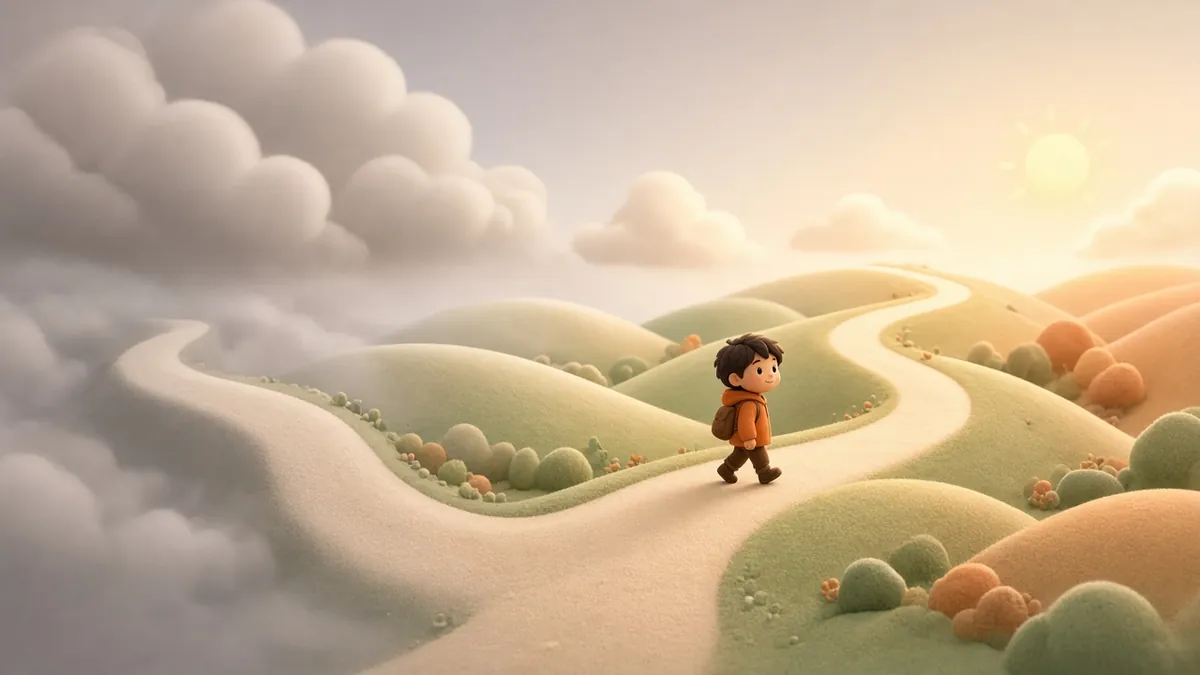
Most short brand stories follow a simple shape:
- A character and their world. Who are we following?
- A problem. Something gets in their way.
- The turn. Your product, service or value helps them.
- The new normal. Life is better, and the viewer can picture themselves there.
Keep the brand as the helper, not the hero. Audiences connect with the character's change.
Step 4: Write the script and read it aloud
Write for the ear. Short sentences, everyday words and no jargon. Read the script aloud with a stopwatch: a 60-second video usually holds far fewer words than people expect. Our free script timing tool gives you a quick estimate. Lock the script before anything is designed, because changes later cost much more.
Step 5: Design characters and the world
3D gives you complete control over the look. A stylised, rounded "family film" style feels friendly and warm, while a sleek, realistic style suits technology and luxury products. Use your brand colours carefully so they feel natural in the scene rather than painted on. Design character expressions that support the story: worry in the problem, relief in the turn, joy at the end.
Step 6: Storyboard, then animate
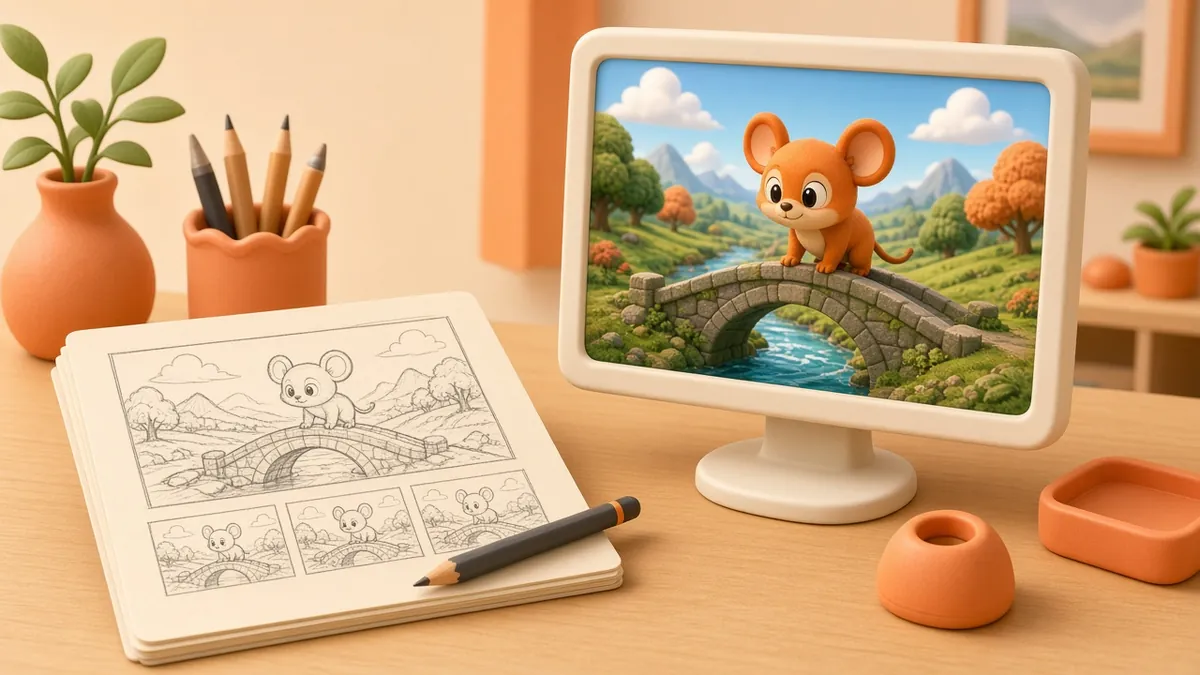
A storyboard is a comic-strip version of the film. It shows each shot, camera angle and key action, and it is the cheapest place to make changes. After the storyboard, an animatic (rough timed version with temporary voice) confirms the pacing. Only then does full animation begin. You can turn a written story into a first rough board with our story to storyboard tool.
During animation, the classic principles described by Disney animators Frank Thomas and Ollie Johnston, such as anticipation, squash and stretch, and follow-through, are what make movement feel alive rather than mechanical.
Step 7: Finish, deliver and launch
Sound design and music add a surprising amount of emotion, so do not leave them to the last minute. Plan your deliverables early: a main film, shorter cut-downs, vertical versions for stories and reels, and still frames for thumbnails and posters. When you publish on your own site, give the video its own page with a clear title and description, as recommended in Google's video SEO guidance.
Tips to keep the story strong
- One idea per video. Make a series if you have more to say.
- Show, do not tell. Let the animation carry information that the voice-over would otherwise repeat.
- End with one clear call to action.
- Add captions; many people watch without sound.
Quick answers
How long should a brand story be? Long enough to tell one complete story. Many brand films land between 30 and 90 seconds, with shorter cut-downs for social media.
Ready to tell your story?
Explore our services, watch our portfolio, or contact us to start with your one-sentence message.