

How to choose the right character rig for your animation project
10 November 2026
Guide · Updated 10 November 2026
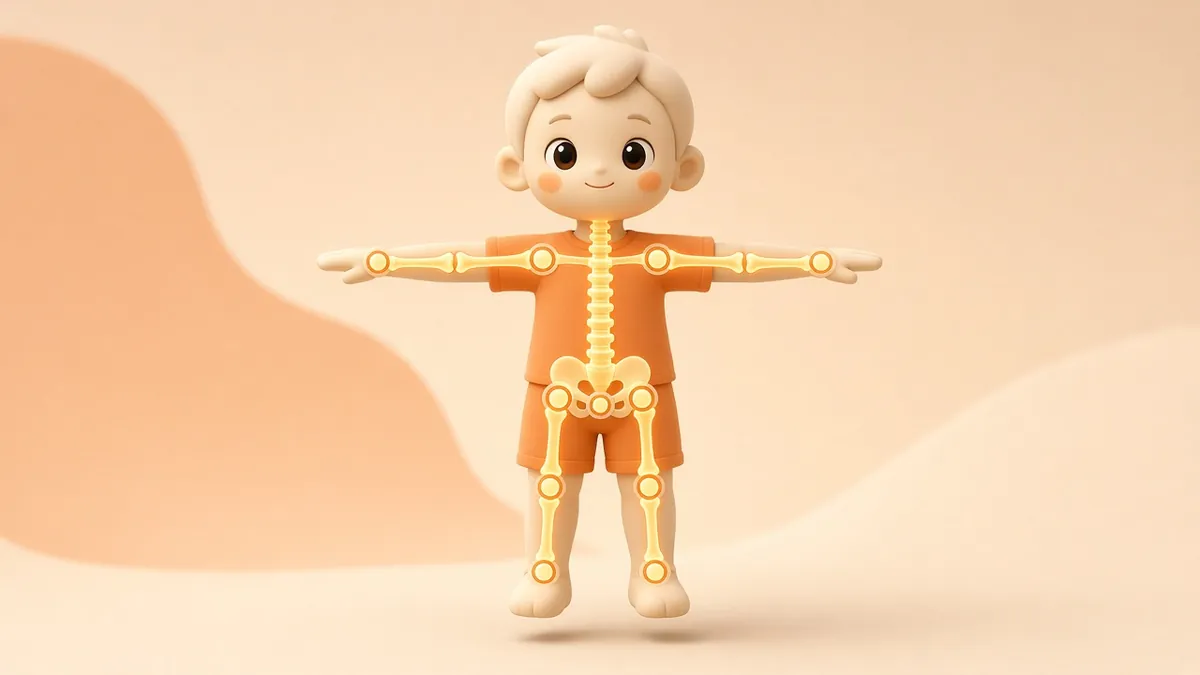
In 3D animation, a "rig" is the system of bones, controls and deformers that lets an animator pose a character. The model is the body; the rig is the skeleton and muscles. Choosing the right rig for the job affects quality, schedule and budget more than most clients realise.
What a rig is made of
- Skeleton (armature): a hierarchy of bones. In Blender this is called an armature; other packages use similar ideas.
- Skinning: how strongly each bone moves each part of the mesh. Good skin weights stop elbows collapsing and shoulders tearing.
- Controls: the handles animators actually grab, such as foot controls, hand IK/FK switches and a main body control.
- Facial setup: bones, shape keys (also called blend shapes) or both, used for expressions and lip sync.
- Extras: cloth, hair and secondary motion that make the character feel natural.
Option 1: auto-rigs
Auto-rigging services and tools can generate a usable skeleton and skin weights in minutes. Adobe's Mixamo, for example, auto-rigs humanoid characters and offers a library of motion clips. Auto-rigs are excellent for previews, background characters and fast social content. They are less suitable for non-human anatomy, stylised proportions or close-up acting.
Option 2: custom rigs
A custom rig is built by a rigging artist for one specific character. It costs more and takes longer, but it gives animators exactly the controls they need, handles extreme cartoon poses and squash and stretch, and holds up in close-ups. For a lead character in a series or a brand mascot that will be used for years, it is usually worth it.

Choose the facial approach early
- Bone-based faces are flexible and work well in game engines.
- Shape keys / blend shapes give precise, sculpted expressions and are popular for stylised characters.
- Hybrid setups combine both.
If the character talks a lot, plan the mouth shapes for lip sync at the design stage, not after the rig is finished.
Will you use motion capture?
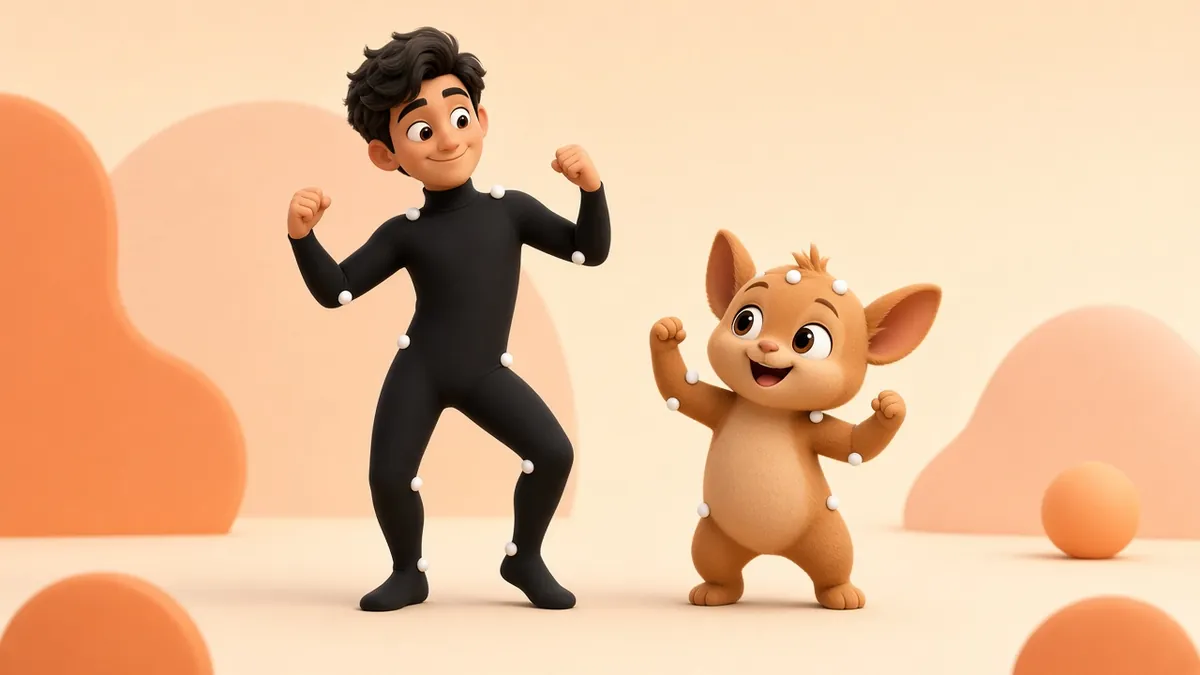
Motion capture data is recorded on a standard humanoid skeleton. If you plan to use mocap, the rig needs a compatible bone structure or a retargeting step. Tell the studio up front, because adding mocap support later can mean rebuilding parts of the rig.
Film, video or game engine?
Rigs for rendered video can be complex, because only the final frames matter. Rigs for real-time engines such as Unity or Unreal have stricter limits on bone counts, influences per vertex and deformers, because everything must run live on the player's device. Decide the target platform before rigging starts.
Questions to ask your studio
- Which software will the rig be built in, and will we receive the source files?
- What range of poses will it support? Can we see a range-of-motion test?
- How are facial expressions and lip sync handled?
- Is it compatible with motion capture or our game engine?
- How are changes to the model handled after rigging? (Changing the mesh after skinning can require re-weighting.)
Signs of a good rig
- Joints bend cleanly without collapsing or pinching.
- Controls are clearly named, coloured and easy to select.
- It is fast enough for the animator to work in real time.
- It has been tested with real animation, not just a few static poses.
Quick answers
Can a rig be reused for a new character? Sometimes, if the proportions and anatomy are similar, but skin weights and facial controls usually need adjusting.
Bottom line
Use auto-rigs for speed and volume, and custom rigs for hero characters and long-term brand mascots. Either way, plan the rig together with the character design and the final platform.
Need a character modelled, rigged and animated? See our services or contact us.